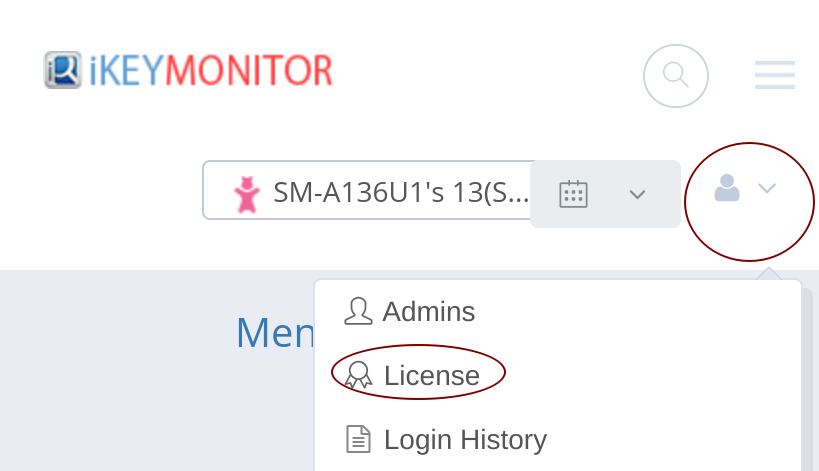
To add more device to your self-hosted iKeyMonitor server, you need to upgrade your license on the cloud panel.
-
Log in to the License Management Panel
Visit the cloud panel - license page using your admin account. -
Adjust the Number of Licensed Devices
Use the “+” or “–” buttons to increase or decrease the number of devices included in your license. -
Download and Update Your License File
After confirming the changes, download the new license file and replace (overwrite) the existinglicense.txtfile on your server with the updated one.
You can copy the download link and replace the existing license file on your server either through the command line or by uploading it manually.
eg:
cd /home/panel
cp license.txt license.bak
sudo wget -O license.txt "https://{license-link-from-the-panel}"
sudo chown -R 99:99 /home/panel/license.txt