The notification can be disabled when follow the wizard to configure iKeyMonitor.
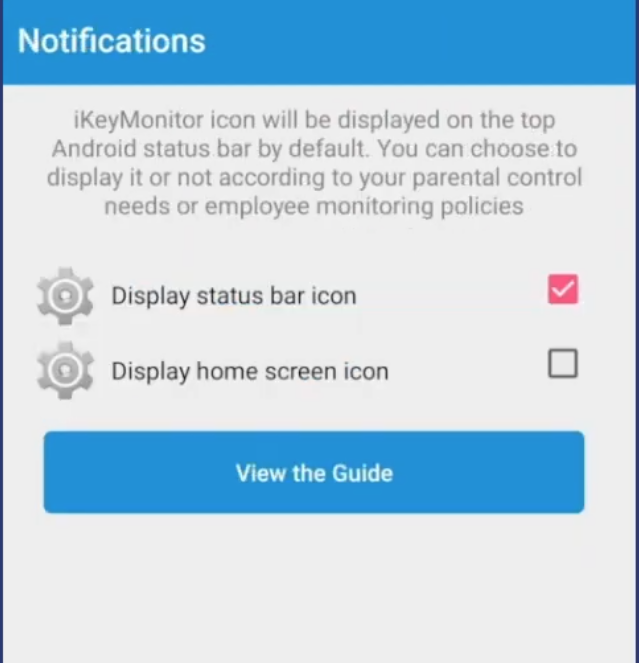
1. Uncheck “Display status bar icon” to disable the notification.
- Open iKeyMonitor wizard - Notifications
- Uncheck “Display status bar icon”
2. Turn off notifications posted
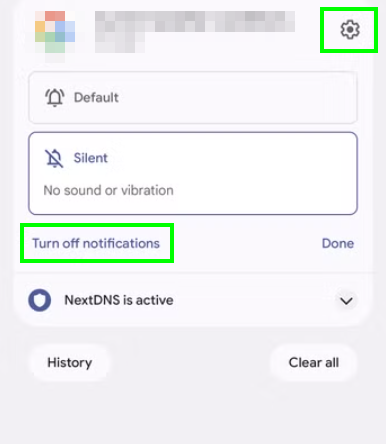
- Long press the notification from the notification list.
- Tap on “turn off notifications”