Talking With Your Child About a Parental Control App
Installing a parental control app shouldn’t feel like catching your child doing something wrong. Instead, think of it as the beginning of an ongoing conversation about using technology safely and responsibly.
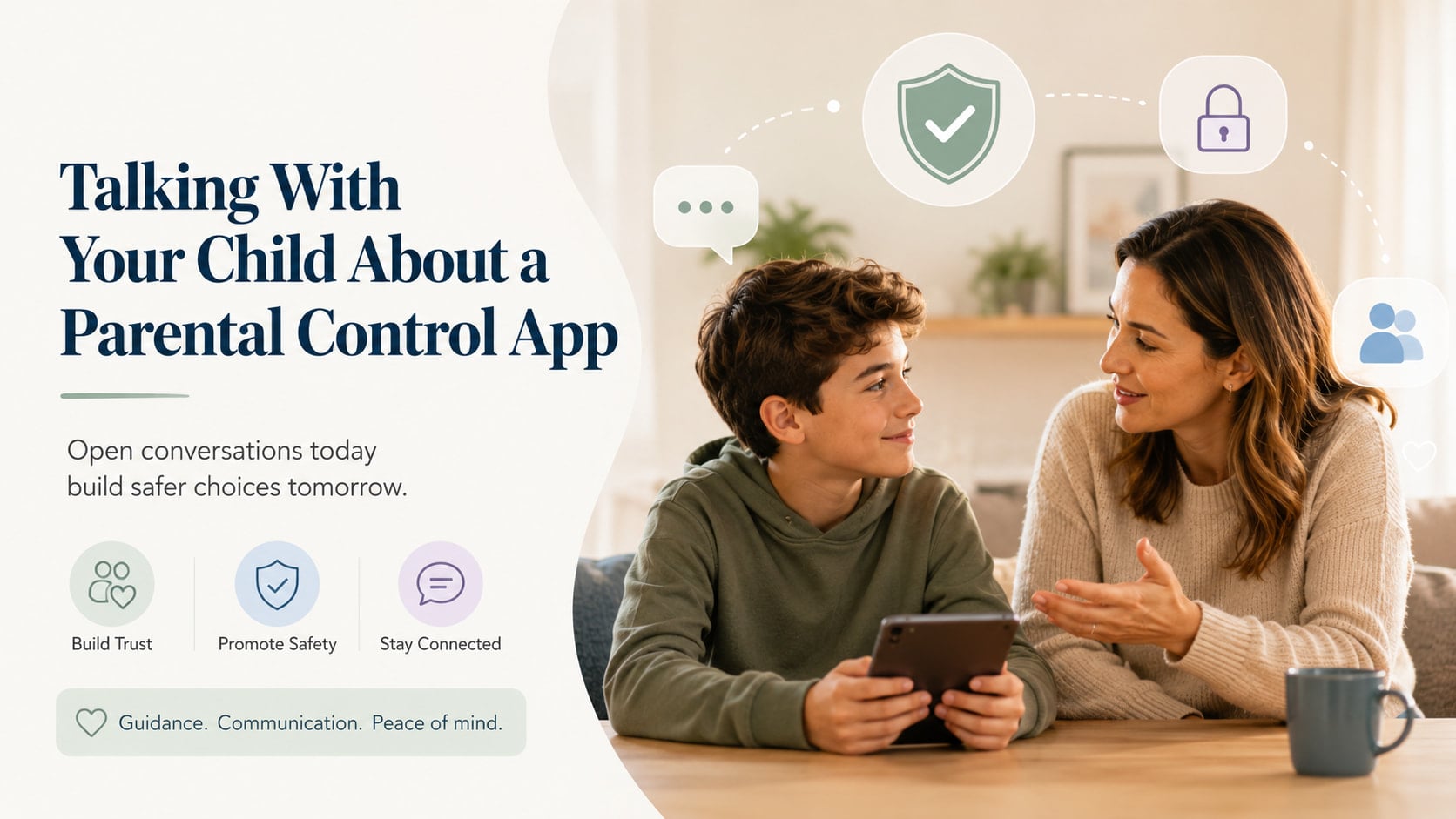
The app itself isn’t the most important part. The relationship between you and your child is.
Children are much more likely to accept boundaries when they understand why those boundaries exist and know they are being treated with honesty and respect.
Before You Have the Conversation
A little preparation can make a big difference.
Try to bring it up when everyone is relaxed—not during an argument about screen time or right after you’ve asked them to put their phone away.
Good moments might be:
- while driving somewhere together
- during a walk
- after dinner
- on a quiet weekend afternoon
The goal isn’t to have a lecture. It’s simply to have a conversation.
Keep These Three Things in Mind
1. Start with trust
Your child needs to hear this first.
“I trust you.”
Many children immediately think parental controls mean their parents believe they’re doing something wrong. Make it clear that isn’t the case.
You might say:
“I trust you. What worries me isn’t you—it’s everything else on the internet. There are scams, strangers, inappropriate content, and things even adults don’t always handle well.”
2. Be honest
Don’t install an app without telling your child.
Even if they’re too young to fully understand every feature, explain what the app does in language they can understand.
When children discover hidden monitoring later, it’s often the secrecy—not the app itself—that damages trust.
Being open from the beginning sends a different message:
“I’m not trying to watch you behind your back. I want us to understand how this works together.”
3. Remember your goal
You’re not trying to control every tap on the screen.
You’re helping your child learn how to make good choices online.
Someday they won’t need the app anymore.
The goal is to raise a child who can manage technology responsibly on their own.
Starting the Conversation
You don’t need a perfect script.
Just keep it simple.
“Can we talk about something for a few minutes?”
“You’ve gotten really good at using your phone, and I love seeing you learn new things and stay connected with friends.”
“The internet is an amazing place, but it also has things that aren’t meant for kids. My job is to help keep you safe, just like I make sure you wear a seatbelt or a helmet.”
Pause and let them respond.
A conversation works much better than a speech.
Explaining Why You’re Installing the App
Keep the explanation practical.
“We’re going to install a parental control app.”
“It isn’t because you’ve done something wrong.”
“It’s there to help protect you while you’re still learning how to navigate the online world.”
You can compare it to training wheels, a bike helmet, or a seatbelt—something that provides extra protection while skills are still developing.
Explain Exactly What It Does
Children often imagine the worst.
Take a few minutes to show them what the app actually does.
For example:
“It helps us set a bedtime for your phone so you can get enough sleep.”
“It blocks websites that aren’t appropriate for kids.”
“If you want to install a new app, we’ll look at it together first.”
“If your phone gets lost, we can help find it.”
If your app has additional features, explain those honestly too.
The more transparent you are, the fewer surprises there will be later.
Explain What It Doesn’t Do
This part is just as important.
If something isn’t monitored, say so.
For example:
“I’m not interested in reading every conversation you have with your friends.”
“I’m not looking for reasons to get you into trouble.”
“I’m not trying to embarrass you.”
Instead, explain your real goal.
“I want to help when something serious happens—not watch every little thing you do.”
Let Them Ask Questions
Don’t rush through this part.
Your child might ask:
- “Why do I need this?”
- “What if my friends don’t have it?”
- “Can you see everything?”
- “When can I stop using it?”
Answer honestly.
If you don’t know the answer, it’s perfectly okay to say:
“That’s a good question. Let’s look at it together.”
Give Them Some Say
Parents make the final decisions, but children appreciate being included.
You could ask:
“What do you think is a fair bedtime for your phone?”
“Which apps are most important to you?”
“What worries you about using this app?”
Listening doesn’t mean giving in.
It simply shows respect.
Talk About the Future
Children need to know these rules won’t last forever.
Try saying something like:
“As you get older and show that you’re making good choices, we’ll adjust the rules together.”
“More responsibility means more freedom.”
That gives them something positive to work toward.
If They Push Back
Almost every child will.
That’s okay.
Stay calm and avoid turning it into an argument.
“You don’t trust me.”
“Actually, I do trust you. I just know the internet isn’t always safe, even for adults.”
“My friends don’t have this.”
“Every family has different rules. These are the ones we’ve chosen because we think they’re best for our family.”
“You’re spying on me.”
“I understand why it might feel that way. My goal isn’t to watch everything you do. My goal is to help keep you safe while you’re learning.”
“I’m not a little kid.”
“You’re growing up, and that’s exactly why we’re having this conversation together instead of making decisions without you.”
Agree on Some Family Rules
Keep the rules simple and easy to remember.
For example:
- We don’t use phones in bed at night.
- We ask before downloading new apps.
- We don’t share personal information online.
- If something online makes us uncomfortable, we tell a trusted adult.
- We tell the truth if we make a mistake.
Notice that these are family rules—not just rules for children.
Whenever possible, parents should try to model the same healthy habits.
Keep the Conversation Going
Installing the app isn’t the finish line.
Check in every few months.
Ask questions like:
- “Is anything about the app bothering you?”
- “Do any of the rules feel unfair?”
- “Have you seen anything online lately that confused you?”
- “Are there any new apps you’d like to try?”
These conversations matter far more than any feature the app provides.
One Last Thought
Technology will keep changing, and eventually your child won’t need parental controls anymore.
What will stay with them is how you handled these conversations.
If they know you listen, explain your decisions, and treat them with honesty and respect, they’re much more likely to come to you when something goes wrong online—and that’s the best protection any parent can provide.